Full review
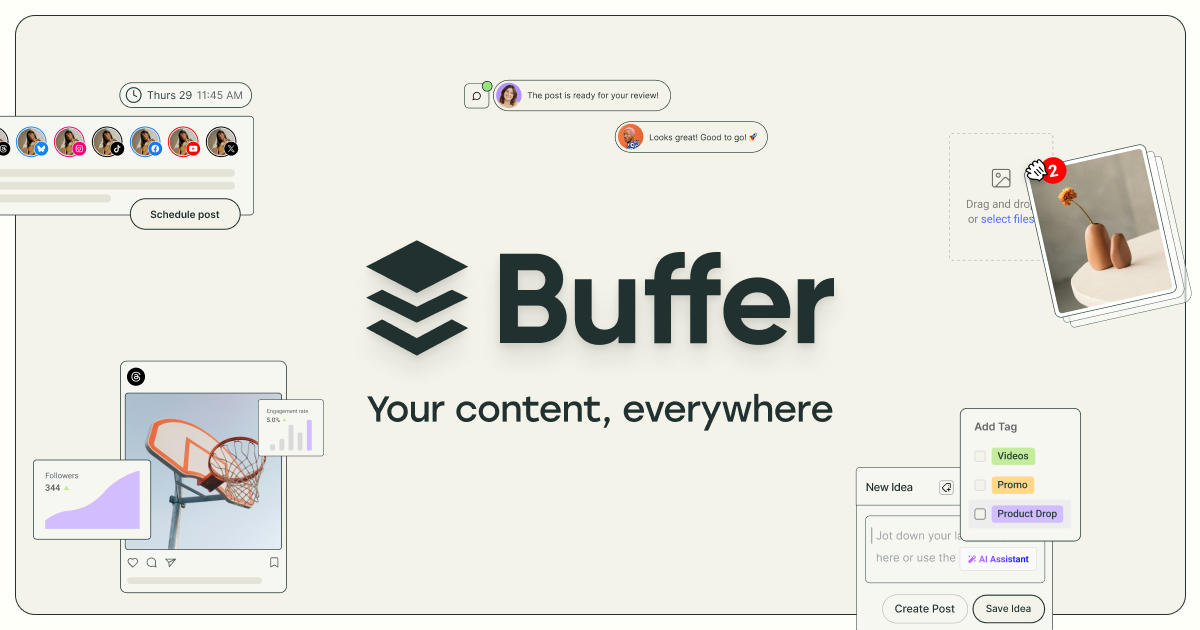
Buffer is a social media scheduling tool that wins by refusing to overcomplicate the job. It plans, schedules, and publishes across your social networks from one uncluttered dashboard, and it does so without the learning curve that enterprise suites impose on the person who is actually doing the posting. For a solo creator, a social media manager, or a small team that wants a consistent cadence without fighting the software, that low-friction focus is the reason it is the recommendation here.
**The workflow is deliberately plain.** You connect your channels, drop posts into a queue, and Buffer publishes them on the schedule you set, so you can batch a week of content in a single sitting and let the tool hold the timing instead of opening five native apps every morning. The interface is built to be understood in minutes, which matters for the audience it serves: people whose day job is making content, not operating software. This is what social media management for small teams should feel like: a social media scheduling tool that asks very little of the person running it.
Planning, calendar, and light analytics live in the same place. You can keep multiple channels organized on a content calendar and see which posts are performing, so the plan and post social content loop stays in one view and the work never scatters across a dozen logins. That shared organization is what keeps things from fragmenting as the number of channels grows.
The honest limit is depth. Buffer is a social media scheduling tool, not an enterprise listening suite. It does not do advanced audience analytics, social listening, or paid-ad management the way the larger platforms do, so a large social team that needs that breadth will eventually want more. For the creator and small-team audience it targets, though, it provides exactly enough and nothing that gets in the way.
If you are a creator or a small team that wants to plan and post social content reliably from one clean dashboard, this is the tool to try. Give it a trial and see if a clean queue is enough to keep your channels consistent.
Why this helps you
Social media punishes inconsistency. The weeks you skip posting are the weeks the algorithm drops you, and the weeks you post frantically are the weeks you miss everything else. Buffer exists to break that cycle: you plan a week of content in one sitting, and the platform handles the timing for you.
That batching is the core time benefit. Instead of opening four apps every morning, you open one dashboard, drop in your posts, and walk away. For creators and small teams, that single sitting can replace a dozen daily check-ins, and the consistency it buys is worth more than any single post.
The low learning curve matters as much as the features. Buffer was built for creators, not social media operators, so you spend your time on the message instead of the mechanics. If your social presence currently depends on willpower, a scheduler that works will change your week.
How it saves you time
The batch workflow is the whole pitch, and it works because posting is repetitive work. You write a week of content in one focused session, queue it across your networks, and let Buffer publish on schedule. No more remembering to post at peak hours, no more one-app-at-a-time publishing.
The content calendar and multi-channel organization keep the plan visible. You can see what is queued, what published, and what is missing, without a spreadsheet tracking your own content. Analytics in the same place close the loop: you see which posts worked without switching tools, which tells you what to make more of next week.
For small teams, the shared queue also removes the handoff problem, where one person writes and another posts and nothing survives the transfer. One place, one plan.
What you get, feature by feature
- Plan, schedule, and publish across networks from one dashboard: one login replaces four apps and four daily visits.
- Batch a week of content in one sitting: a single focused session replaces daily scrambling, and Buffer handles the timing.
- Low learning curve for creators: you learn the tool in an afternoon, not a training program, so the day you subscribe is the day it starts paying back.
- Content calendar with multi-channel organization: the whole plan is visible in one view, so gaps and overlaps get fixed before they publish.
- Analytics in the same place: you see what is working without exporting data to a second tool.
- Separate agency track alongside the main product: if you manage clients, check the agency offering before you subscribe, since it is built for multi-client work.
Plans, and what to check
There is a free tier for starting out, plus Essentials and Team or Agency tiers as channels and seats grow. Exact prices change over time, so check the provider page for the current ladder. The useful comparison is channels per tier and seats per tier, because those are the limits you will hit first. Price the tier for the number of networks you actually publish on, not the number you dream about.
Where it fits, and where it does not
This is the right fit when consistency is the problem and simplicity is the priority. It does not send email, run funnels, or replace a CRM, so treat it as the social layer of your stack rather than the whole stack. Teams that need deep social listening, complex approval workflows, or advertising management will outgrow it, and at that point the specialist tools earn their price. Choose Buffer when the job is steady, simple, and on schedule.
Frequently asked questions
How many networks should I schedule to. Start with the networks you can feed with real content, not the networks you wish you had. Two or three accounts with a steady rhythm beat six accounts with a week of silence. Add networks only when the batching workflow makes the extra posts feel easy, because the tool removes the pain but not the writing.
Does scheduling hurt performance compared to posting live. Live posts win on conversation and culture, and scheduling wins on consistency. For most creators and small businesses, consistency wins, because the algorithm rewards the steady account. Use scheduling for the pillars and go live for the moments, and you get both.
Can I batch a month at a time. You can queue ahead, but batching a week at a time keeps you responsive to what is working. Analytics show you which posts landed, and a weekly batch lets you make more of those. A month of queues removes the feedback loop, which is where the learning lives.
What happens if I leave. Your content calendar and your plans belong to you, so export your queue and your media before you close the account. Then cancel cleanly and keep the files. The habit of owning your content makes any platform a choice, not a trap.
Choosing this tool over the alternatives
Against posting manually, Buffer trades a small subscription for daily time. If you enjoy the daily ritual and have the hours, manual posting keeps every feature of every platform. Buffer wins the moment the daily check-ins become a chore, because one sitting replaces a dozen visits and the account stays alive during your busy weeks.
Against an all-in-one marketing stack, Buffer trades coverage for focus. The stack gives you email, funnels, and courses in one bill, which suits a business that needs all of them. Buffer wins when social consistency is the bottleneck, because the scheduler is simpler, cheaper to learn, and does the one job completely.
Against a social listening or enterprise suite, Buffer trades depth for simplicity. If you need listening, approvals, and advertising management, the enterprise suite earns its price. Buffer wins for creators and small teams whose problem is posting steadily, not analyzing an industry.
Common mistakes to avoid
Do not queue filler to hit a number. An account that posts daily for the sake of daily looks dead, and readers can tell the difference. Batch a week of real content, and let one empty day be better than seven hollow posts.
Do not batch and forget. Scheduling removes the daily visit, but analytics still need a weekly look. Spend fifteen minutes each week on what worked, and let the next batch answer the data. The tool does the posting, and you still do the thinking.
Do not add networks faster than you can feed them. Every network you schedule is a promise, and Buffer will keep the promise even when you cannot. Add channels only when the weekly batch feels easy, and remove the ones that turned into guilt.
Getting the most out of your subscription
Batch on a fixed day and keep it. The batching works because it is a ritual, not because it is clever. Same sitting, same length, same standard: write the week, queue it, and close the dashboard. A ritual survives busy weeks, and the account survives on the ritual.
Keep the analytics appointment. Fifteen minutes each week on what worked is the smallest habit with the largest return, because it turns the queue into a learning system. The posts that landed tell you what to make more of, and the posts that missed tell you what to stop queuing. Without that appointment, the scheduler is just a faster way to repeat yourself.
Own the media twice. Keep your files in your own folders as well as in the queue, so the calendar can be rebuilt anywhere. The platforms and the tool are the delivery system, and the files are the business. Creators who keep both never lose a week to a missing asset.
Keep the export habit. Your queue, your content, and your analytics history in your own files protect the posting rhythm, and the habit turns every tool into a choice. The platform earns your loyalty by saving the daily visits, not by holding your content.
Keeping your setup healthy
Channels decay. A network that fit your audience two years ago may be a different place today, and the queue will happily keep posting to it long after the readers left. Review the analytics monthly and the channel list quarterly: what is earning attention, what is noise, and what should be retired. The scheduler makes leaving easy, because it carries the plan while you decide.
The content itself needs the same review. Hooks expire, formats age, and the post that carried a quarter may quietly stop. The weekly analytics appointment catches the change early, and the batch habit makes it easy to act: drop what missed, make more of what landed, and let the queue reflect the audience you have rather than the one you started with.
Finally, keep the files and the plan together. If the content lives only in the queue, a change of platform takes the history with it. Your own folders, your own calendar, and your own notes make every tool replaceable, which is the position a steady account wants.