Full review
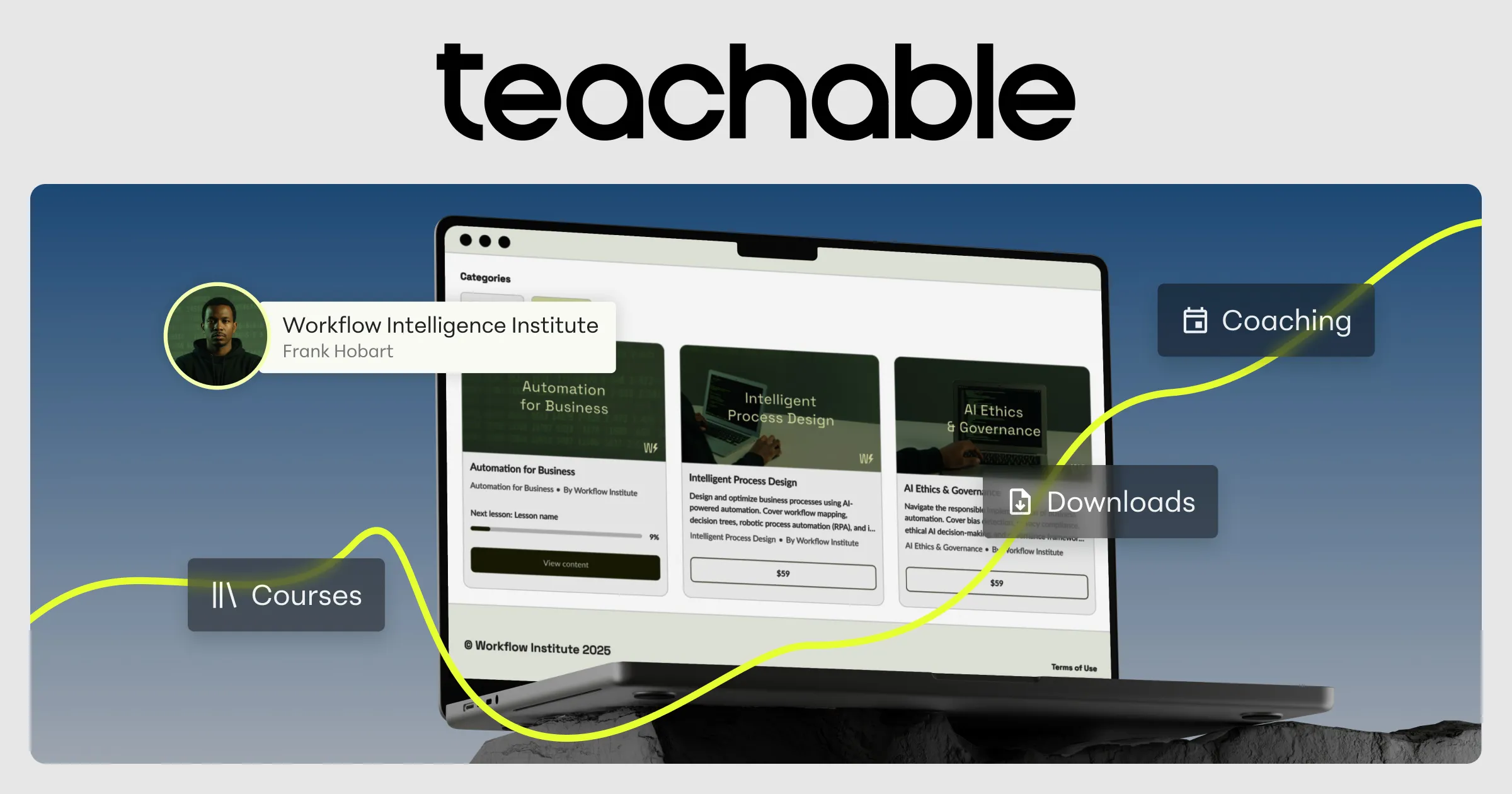
Teachable is the platform for a creator whose product is knowledge and whose course needs more than a video host. It is a platform to sell online courses, coaching, and digital downloads with the hosting depth, student tools, and sales machinery that a serious course business needs, all in one place. For a course creator, educator, or coach who wants course-hosting depth rather than a thin course add-on, that focus is the reason it is the recommendation here.
**The course-building and delivery experience is the core.** A creator structures a course into lessons and sections, gates access, and delivers video, documents, and quizzes to enrolled students, with the platform handling hosting and playback. Around the course it provides the sales machinery the business needs: sales pages to present the offer, checkout to take payment, and the ability to sell coaching and digital downloads alongside the course, so a creator can build a range of offers rather than a single product. For someone whose income depends on converting an audience into students, having the delivery and sales sides in one system removes the friction of stitching tools together. This is create and sell courses depth in one system, not a host you bolt a storefront onto.
The creator focus extends to the business side. Teachable handles payments and tax, one of the fiddly, unglamorous jobs a solo educator would otherwise have to solve, and the platform is built so a non-technical creator can launch a school without a developer. The community and student tools that come with the hosting depth are what separate it from a bare video host: a creator running an ongoing course program gets the structure the program needs, not just a place to upload files.
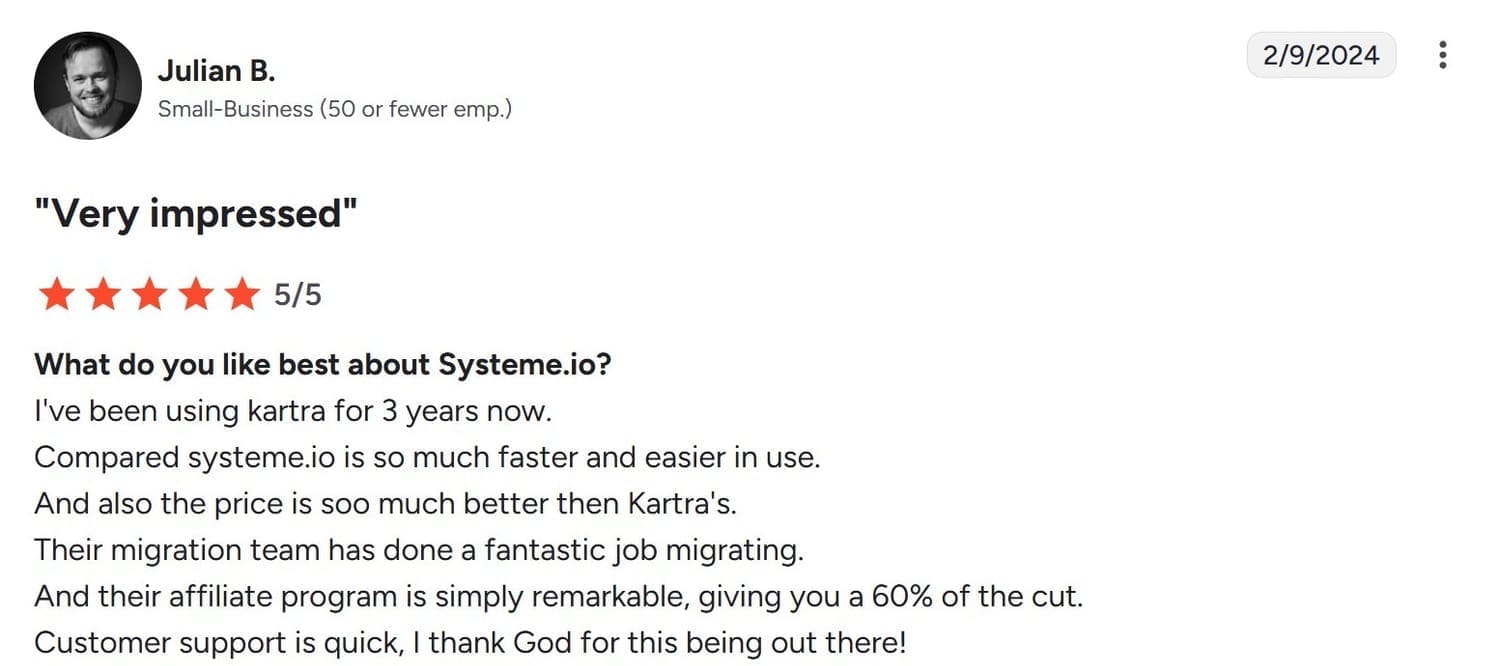
The honest trade-off is that a dedicated course platform is not a full marketing suite. A creator who wants deep email automation or a complete funnel stack will pair Teachable with other tools rather than run everything inside it. And if the goal is the entire stack, funnels, email, and courses, on one low-cost subscription, then systeme.io is the better fit for the all-in-one, since it bundles the course builder with the rest cheaply. Teachable earns its keep as the platform to sell online courses when the course is the product and it needs real depth.
For a course creator, educator, or coach who wants to create and sell courses with the hosting, community, and student tools handled, this is the platform to sell online courses with. Import one course in a trial and see whether the hosting, checkout, and student tools carry a real program.
Why this helps you
Teaching online looks simple from the outside: record the lessons, put up a price, and collect payment. The work hides in the plumbing. You need a page that sells, a checkout that works, delivery that gates the content, and tax handled correctly. Teachable builds those pieces as one platform, so a non-technical creator can launch without a developer and without stitching three products together.
You save time because the course, the sales page, and the checkout live together. When a student pays, the course unlocks, and the payment paperwork is handled in the same account. That removes the integration work that otherwise falls on the creator, and it removes the developer invoice that stops many first launches from ever happening.
For coaches and educators, the same platform covers coaching and digital downloads, so the school is one home for everything you sell. One place for the student to log in, one place for you to manage, which is the entire daily benefit.
How it saves you time
Course building with lessons, sections, gated access, video, and quizzes means the teaching structure lives where the selling happens. You stop uploading video to one service, gating it through another, and answering student emails about passwords. Gated access does the delivery work automatically, so the hours after a sale are not spent on account support.
Sales pages and checkout in the same platform remove the handoff between marketing and delivery. The page that promises the course and the checkout that collects payment share one account, so pricing changes and availability changes take minutes. Payments and tax handled for the creator remove the compliance homework most first-time sellers dread, which is often the reason courses sit unpublished.
What you get, feature by feature
- Build a school and sell courses, coaching, and digital downloads: everything you teach and sell lives in one home, with one student login.
- Course building with lessons, sections, gated access, video, and quizzes: the teaching structure and the delivery arrive together, so you stop operating two systems.
- Sales pages and checkout in the same platform: the page, the offer, and the payment connect without a handoff, which removes the leak between promise and purchase.
- Payments and tax handled for the creator: the compliance work that stops first launches happens in the background, so you can publish instead of researching.
- Non-technical launch without a developer: you build the school yourself in days, which turns a project that waited on a hire into a project you start this week.
Your first week getting set up
Outline the course first, because the platform rewards a tight scope: one outcome, taught in sections. Build the sales page from the outline, set the price, and test the checkout with the smallest viable lesson set. Then enroll one test student and watch the whole path from page to payment to access. That first pass teaches you what the course needs before you record everything.
A realistic week with this tool
You teach, answer student questions, and improve one lesson. The platform handles delivery, payment, and access, so your week is the teaching, not the operations. The hours you do not spend are the hours not spent fixing delivery links, chasing payment issues, or researching tax questions mid-launch.
Plans, and what to check
Plans come in Starter, Builder or Growth, and Custom levels. Exact prices change over time, so check the provider page for the current ladder and what each tier unlocks. The useful comparison is what changes at each rung: features, student capacity, and the terms that matter to a growing school. Price the tier for the enrollment you expect this year, and test the checkout carefully at each level.
Where it fits, and where it does not
This is the right fit for course creators, educators, and coaches who want to build and sell courses online without technical help. It is not an email automation platform, a funnel specialist, or a search tool, and creators in those channels will need tools alongside it. If your business is a weekly newsletter rather than a curriculum, a newsletter platform will serve you better. Choose Teachable when teaching is the product and the platform should handle the business around it.
Frequently asked questions
How much technical skill do I need. None, and that is the product. You can build the school, the course structure, the sales page, and the checkout without a developer, because the platform carries the plumbing. You need a phone, a subject you know, and the discipline to record and publish. The people who stall are usually stuck on the course outline, not the software.
Can I sell coaching and downloads, or only courses. All three, because the platform treats them as the same school. Courses are the core, coaching is a service level, and downloads are simple products. One account, one student login, one place for you to manage. That unity is the daily benefit once the school has more than one product in it.
How does the tax handling work. The platform handles payments and tax for the creator, which removes the compliance homework most first-time sellers dread. You still own the responsibility for your business taxes, but the sales-tax calculation on every transaction stops being your job. That removal alone unblocks many first launches.
What happens to my students if I leave. Export your student records, your content files, and your sales history before closing the account. Your students and your course are the business, so your own copy protects it against any platform change. The habit costs an afternoon a quarter and keeps every platform a choice.
Choosing this tool over the alternatives
Against an all-in-one stack, Teachable trades funnel and email breadth for teaching depth. The stack serves a creator who sells through funnels and email. Teachable wins when the curriculum is the product, because lessons, sections, gated access, quizzes, and delivery are built as a school rather than as pages.
Against a general website builder, Teachable trades pages for the commerce around teaching. The builder wins for a site that mostly informs. Teachable wins when the site must sell, gate, and deliver a curriculum, because the checkout, the access control, and the student experience all live together.
Against a newsletter platform, the comparison is the product. The newsletter tool publishes a weekly email beautifully and teaches nothing. Teachable teaches a structured curriculum and delivers it behind a paywall. Most educators use both, which is why the list you build and the school you run are separate decisions.
Common mistakes to avoid
Do not record everything before you publish anything. The platform makes the complete course tempting, and completeness delays the first sale by months. Publish the core outcome first, teach it well, and add the rest on evidence from real students.
Do not price from fear. The most common hesitation is underpricing the first course, which teaches the market that your work is cheap. Study the outcome the course promises, price that outcome, and let the sales page carry the argument. The platform handles the transaction, and your job is the promise.
Do not skip the test enrollment. Before launch, walk the whole path as a student: the page, the checkout, the access, the first lesson. Ten minutes of testing finds the broken step that buyers would have found for you.
Getting the most out of your subscription
Teach in one place, every week. The platform handles delivery, payment, and access, so your week should be the teaching and the answers. The hours the platform saves are only saved if you spend them on the curriculum instead of the operations.
Make the sales page carry the promise. The checkout is one click, but the page does the persuading. Write the outcome in the first line, the path in the middle, and the honest limits at the end. A page that sells the real course converts the students who finish it, which is the business you want.
Keep the export habit. Students, content, and sales history in your own files protect the school, and the quarterly afternoon is cheap insurance for the work you put in. The platform should earn your loyalty with the delivery, not with lock-in.
Keeping your setup healthy
Courses age the way content does. Examples go stale, prices change, and the lessons that once matched the market quietly drift from the promise. Review the school quarterly: which lessons students finish, where they stall, and what the reviews say about the outcome. The data lives in the platform, and the review takes an hour that turns a static course into a maintained curriculum.
The sales page needs the same review. Students buy the outcome, so the page must describe the outcome you deliver today, not the one from launch day. Update the promise, the path, and the limits together, and test the whole route again after every change. A page that matches the real course converts the students who finish it, which is the business you want to keep.
Finally, keep your own copy of the school. Students, content files, and sales history in your files protect the business, and the quarterly afternoon is cheap insurance for the work you put in. The platform should earn its place with the delivery, not with lock-in, and your habit keeps that balance honest.
A word on support and migration
You will have questions the first month, and support quality decides how long the learning curve feels before your first enrollment. Check what help exists before you subscribe: documentation, tutorials, and a support channel that answers in hours. A creator who can get help quickly publishes, and publishing is the only way to learn what the course needs.
Migration in is usually an outline and an afternoon of building the skeleton: sections, the sales page, and the checkout. Do it before you record everything, not after, and test the whole buyer route as a student first. Keep your own copy of students and content files from day one, so migration out is a calm export instead of a lost school. The whole lifecycle, in, teaching, and out, should feel boring, and boring is what a course platform should be.